In this article
Most visitor-management demos look the same for ten minutes: an iPad on a stand, your logo on the welcome screen, a visitor typing a name and getting a badge. The differences show up later: on a Sunday evening when the badge printer stops, on the morning surveyors walk in, when a daughter asks who visited her mother last Tuesday, and when a renewal notice arrives with a deadline nobody remembers agreeing to.
This checklist is for administrators and regional directors comparing vendors, us included. Every item is a question for a demo or a contract.
Start with your visitors, not the vendor's feature list
List who comes through your door in a normal week: families, agency nurses, therapists, vendors, couriers, volunteers, tour guests, and surveyors. Ask each vendor to check in three of them live, using your visit purposes. Then ask:
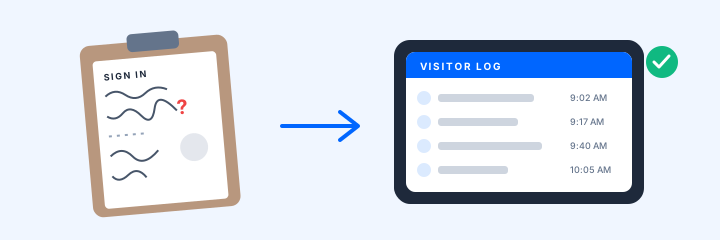
- Returning visitors. How long does the tenth visit take compared with the first?
- Visit purposes. Can you define your own, each with its own screening, documents, badge, and alert rule?
- Languages and groups. Which languages, and can a family of four check in together?
- Connectivity. What happens when the Wi-Fi drops, and how do paper-fallback visits reach the record?
Then screening. Who writes the questions, can visitors answer on a phone before arriving, and how fast can you change them when an outbreak starts? Above all, what happens on a "yes"? In nursing homes, federal rules give residents the right to receive visitors of their choosing at the time of their choosing (42 CFR 483.10(f)(4)), so a concerning answer should reach staff who apply your written policy, not quietly turn a visitor away.
Alerts and the records you will be asked for
A visitor system earns its keep on the bad day. Have each vendor trigger these during the demo, on your phone:
- A banned or watch-listed visitor checking in. Who is alerted, how, and how fast?
- A surveyor arrival. Can a "state survey" visit purpose notify your administrator and DON?
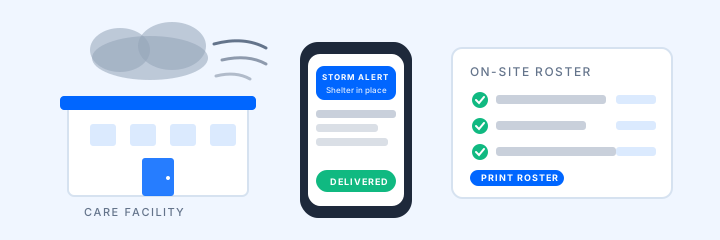
- A mass alert to all staff, sent from a phone.
Then ask for records. Who was on site yesterday at 3 PM, by building? Can you print an evacuation roster on any printer, export visit history yourself, and take it all with you if you leave? Is there an audit log? Regional directors should see every building from one login.
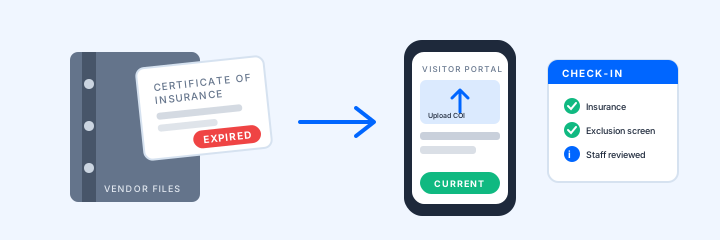
Get the security answers in writing: role-based access, what is encrypted in transit and at rest, and whether the vendor will sign a business associate agreement. If you report PBJ, ask whether provider visits can become staffing-hour records; see our PBJ reporting guide.
Family feedback that does not cross a line
Most systems offer a post-checkout survey. Ask how it is triggered, who sees a low score, and whether staff can follow up inside the system.
Hardware, pricing, and setup: the parts on the invoice
Hardware. Can you use your own iPads, and on which OS version? Which badge printer and labels, and who pays for refills? If the vendor supplies the kiosk, who owns it when the term ends, and who pays after loss, theft, or damage? Our hardware guide shows one way to split those responsibilities.
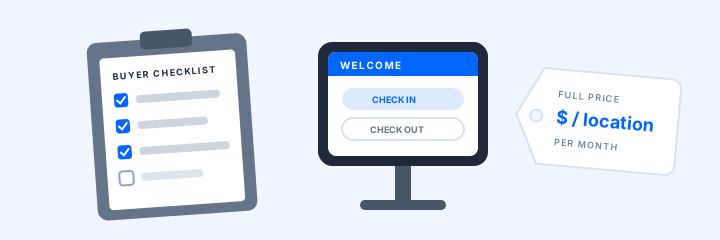
Pricing. Published prices come in different units: per location per month, per site per year, billed annually, or quote only. Ask which features sit in a higher tier or add-on, then convert each proposal to cost per building per month over the full term, including hardware, labels, and setup fees. Read the term, auto-renewal, and notice period before you sign. Our comparison pages list what four vendors publish, with sources.
Setup. Who configures visit purposes, screening, badges, and alert rules: you or the vendor? Is training included? How long from signature to first check-in, and can a new building copy an existing one's settings?
A one-page demo scorecard
Score every vendor on the same sheet.
Sources and current guidance
Last reviewed October 12, 2026.
- 42 CFR 483.10, Resident rights (Cornell Legal Information Institute)
- Google Maps user-contributed content policy: prohibited and restricted content
- ArrivSure pricing and vendor comparisons
Vendor prices change; confirm them on each vendor's site. ArrivSure supports workflow and recordkeeping; it does not by itself establish compliance with any regulation.
Want to see this checklist run against your own front desk? Request a demo.
Request a 20-Minute Demo