In this article
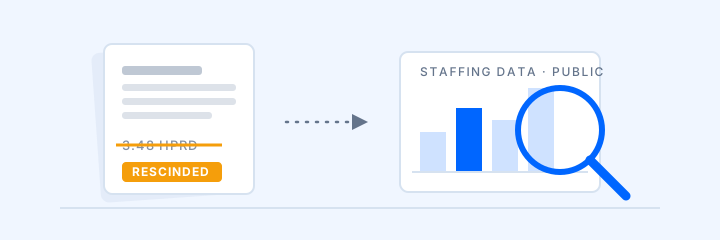
If you run a skilled nursing facility, the Payroll-Based Journal isn't optional. CMS requires every SNF to submit direct care staffing data electronically each quarter, and that data feeds directly into your Five-Star staffing rating on Care Compare — the rating families check before they ever call you.
Most facilities have payroll data for their own employees under control. The harder part is often eligible agency and contract labor—such as agency nurses and certain therapy staff—whose reportable hours may sit outside payroll. Not every person who provides a service is reportable: CMS excludes hospice and private-duty staff, and practitioner hours billed separately to Medicare or another payer.
What PBJ requires
At its core, PBJ reporting means submitting, for every quarter:
- Applicable direct-care hours worked each day under CMS job codes 1 through 40; some categories are optional, and facilities should report only hours covered by the current policy manual
- Employee vs. contract designation for every person reported
(You no longer submit census through PBJ — CMS derives daily census from your MDS assessments.)
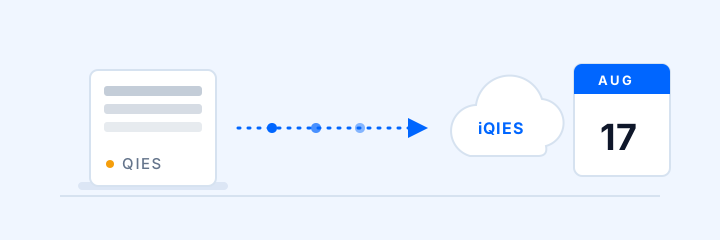
Submissions go through CMS's system — iQIES as of August 17, 2026 — in a specific XML format, and the deadlines are fixed:
| Fiscal quarter | Period covered | Submission deadline |
|---|---|---|
| Q1 | October 1 – December 31 | February 14 |
| Q2 | January 1 – March 31 | May 15 |
| Q3 | April 1 – June 30 | August 14 |
| Q4 | July 1 – September 30 | November 14 |
Where facilities get burned
The same failure points come up in almost every SNF:
Contract and agency hours fall through the cracks. Your payroll system knows nothing about the agency CNA who covered three shifts last month. Someone has to chase invoices, match them to dates, and convert them to reportable hours.
Eligible non-employee hours go under-reported. A contract physical therapist who provides reportable services on Tuesdays may not use the facility’s payroll clock, so the team needs another reliable way to capture and review those hours.
Manual reconciliation eats staff time. Someone builds a spreadsheet from sign-in sheets and invoices, resolves duplicates, and maps roles before anyone can review the submission.
Weak supporting records. When an auditor asks where a reported hour came from, an illegible paper sign-in sheet is a poor answer.
The fix: capture hours at the front door
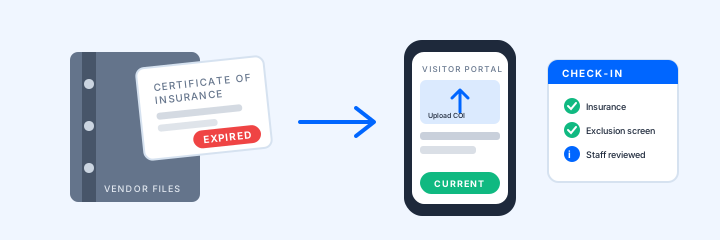
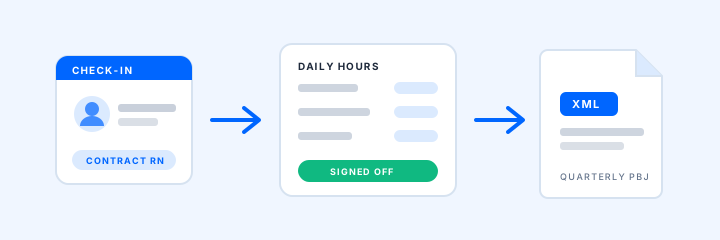
Here's the operational opportunity: many contract providers already pass through your front desk. If your check-in system captures who they are, when they arrived, when they left, and what role they were working, your team has a structured, timestamped source record to review for PBJ.
The quarterly scramble becomes a review-and-export task, and every reported hour ties back to a check-in and a sign-off. At Avante Group's Florida facilities, the team reports provider-hour review went from hours to minutes.
Sources and current guidance
Last reviewed September 28, 2026.
- CMS PBJ data-submission overview
- CMS PBJ Policy Manual
- CMS Five-Star Quality Rating System Technical User’s Guide
- CMS NPPES disclosure about what an NPI does—and does not—validate
Confirm current reporting rules with CMS and your compliance advisor. Your team still decides which hours are reportable and submits the file.
Want to see how PBJ collection and review could fit your facility’s workflow? Request a demo.
Request a 20-Minute Demo