The iPad kiosk 1:15
What every visitor experiences at the front door: a branded welcome in 12 languages, screening, a badge photo, policies signed on the iPad, a printed badge, then check-out by badge scan and a short survey.
See the detailsSix narrated demos, from the iPad at the front door to the Emergency Hub. Each one stands on its own, with captions.
What every visitor experiences at the front door: a branded welcome in 12 languages, screening, a badge photo, policies signed on the iPad, a printed badge, then check-out by badge scan and a short survey.
See the detailsArrivals land live on the reception dashboard. Open the full visit record, search every past visit, review screening answers and signed documents, and check people in from the desk.
See the detailsThe Companion iPhone app: a live view of your building, arrival alerts, who is on site, the full visit record, the evacuation list, and mass-alert templates.
See the detailsChoose check-in fields, branding and languages, visit reasons, documents to sign, who gets alerted for each kind of arrival, and what each staff role can see.
See the detailsBuild a survey with a live preview, invite by email or text, invite happy visitors to leave a Google review, alert the right people about low scores, and follow up with internal notes.
See the detailsVisit analytics, scheduled reports, survey trends, agency staff hours for PBJ, mass-alert templates you review before sending, and the Emergency Hub across every building.
See the detailsMichael Bennett visits his father at Northlake Care Center. Here’s what each part of ArrivSure does along the way.
Families, agency staff, and vendors each get their own check-in on a branded iPad: the screening questions, documents to sign, photo, and badge that fit why they’re there.
Every check-in lands on the live reception dashboard the moment it happens. The front desk can search visit history, reprint a badge, check someone out, or pull up the evacuation roster without chasing a clipboard.
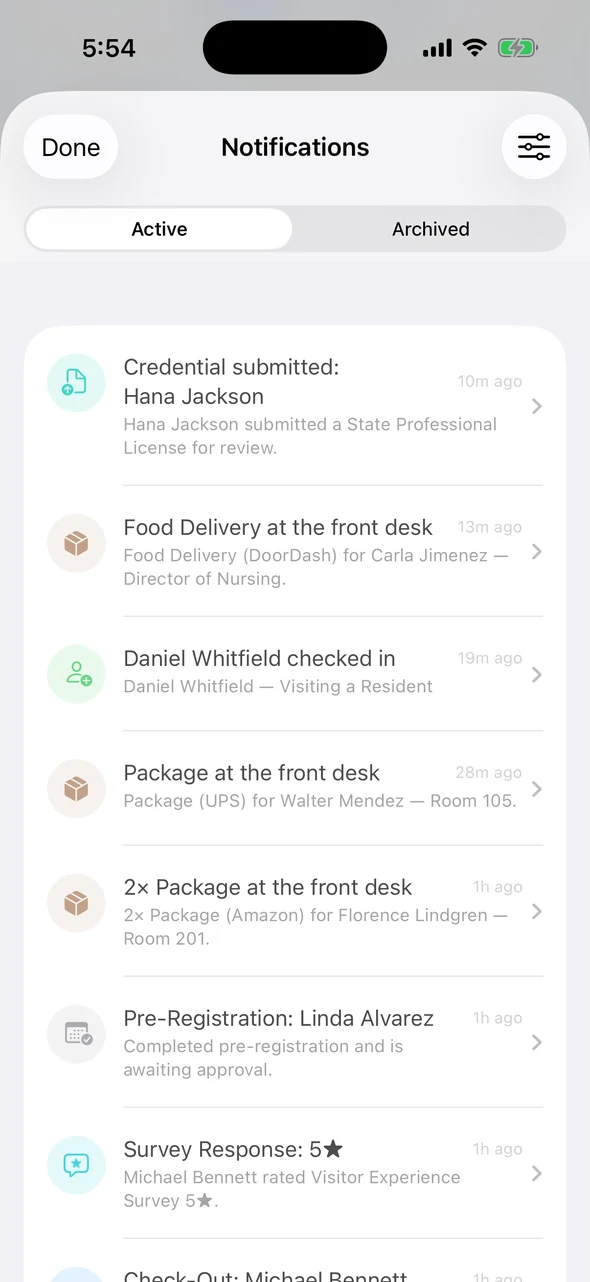
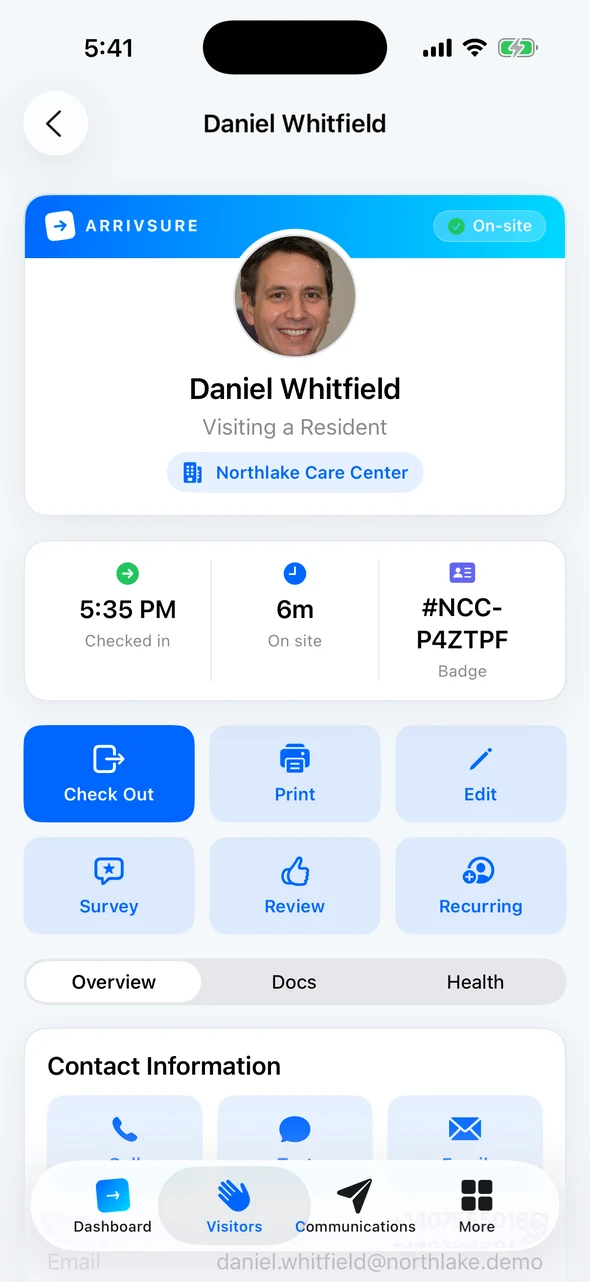
The Companion app keeps reception, administrators, and operators connected away from the desk. Arrival alerts, messages, mass notifications, and operational work stay with the people responsible for them.
Staff notifications, and the visitor’s record one tap away.
Visitors check out at the kiosk and answer a short private survey. A low score or a worrying comment alerts the right manager the same day. Afterward, every visitor gets the same Google review invitation by email or text.
Private feedback at checkout. Review invitations go out afterward by email or text.
In 20 minutes we’ll walk through the people who actually come through your door: families, agency staff, vendors, surveyors, and contractors.