Every entrance, every department, one visitor record
Every entrance gets its own check-in. Every department hears about its visitors. Watch-list matches go quietly to your security team.
- A check-in for each entrance
- Department alerts
- Live on-site list
One campus. Many front doors. One record.
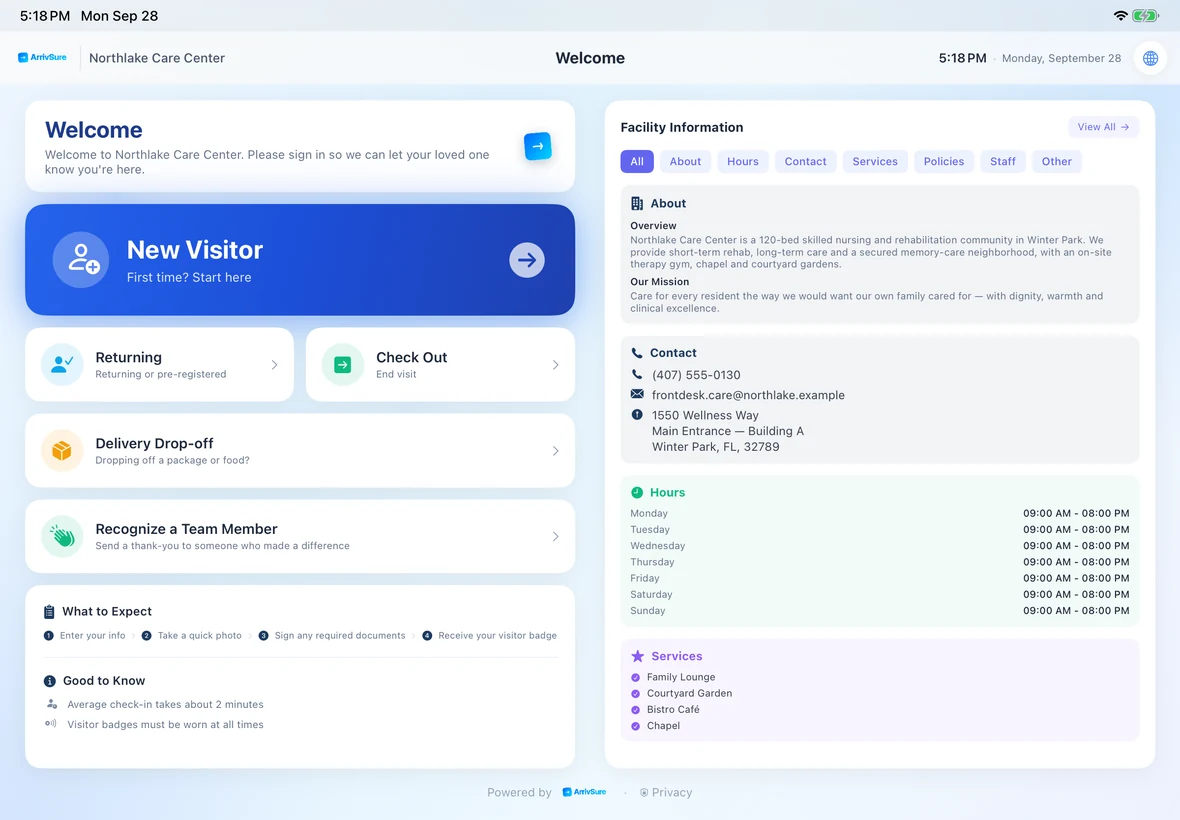
The main lobby, emergency entrance, outpatient building, specialty clinic, and vendor receiving area need different questions and different people alerted. Each kiosk runs its own check-in, and the department, floor, or host expecting the visitor hears about it.
- Visitor types, questions, and destinations set per entrance
- Alerts to the department, floor, host, or team
- A lighter setup for clinics and outpatient locations
Give every visitor type the right path
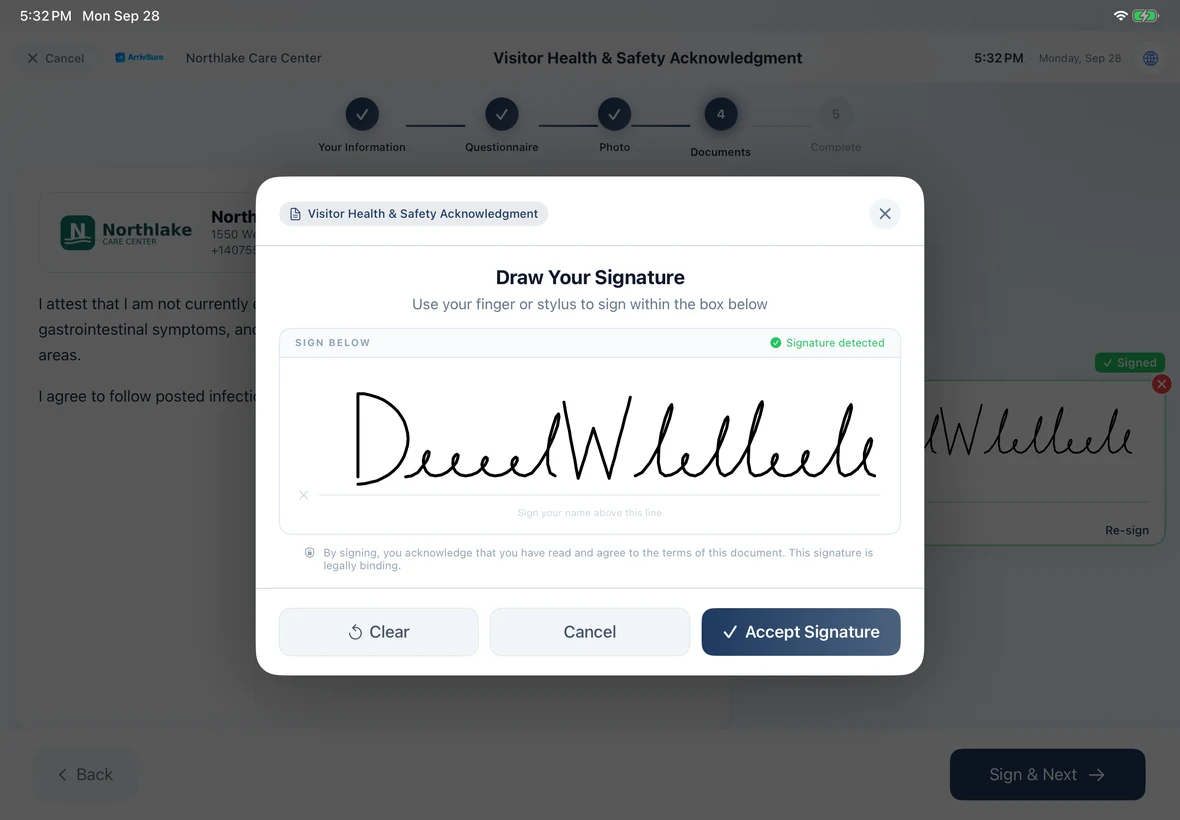
A family member, vendor, candidate, interpreter, and delivery driver shouldn’t get the same questions. The visit purpose decides the destination, screening questions, documents, photo, badge, and who gets alerted.
- Screening questions for patient visitors, by visit purpose
- Documents, credentials, and safety steps for vendors and contractors
- Deliveries logged to the recipient or department
Possible matches go quietly to your security team
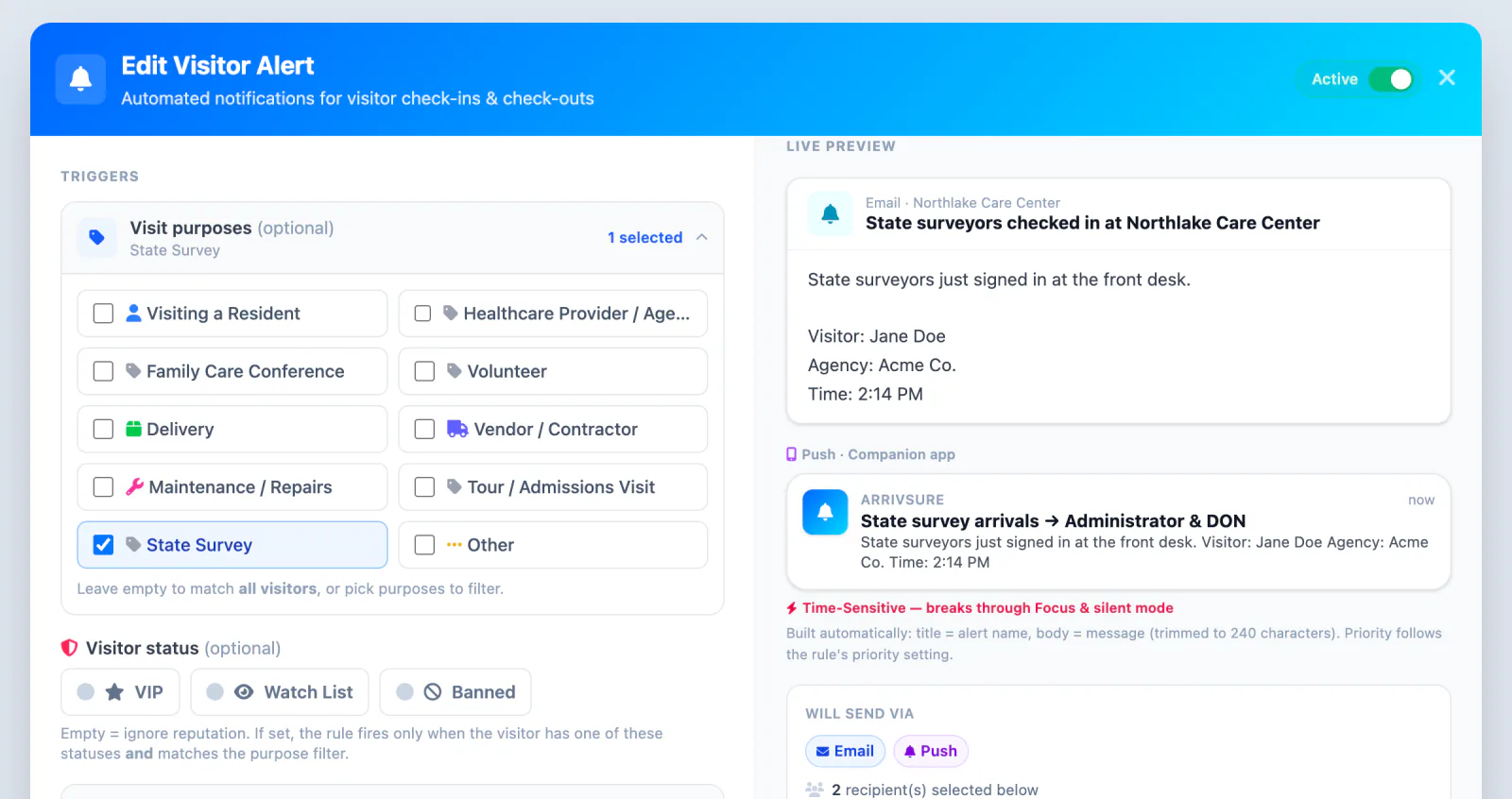
A possible watch-list or restriction match shows the visitor a neutral “please wait” step and quietly alerts designated staff with the details. Your team makes the call.
- VIP, watch-list, and banned statuses
- Alert rules by visitor status and visit purpose
- Push, text, or email to the staff you choose
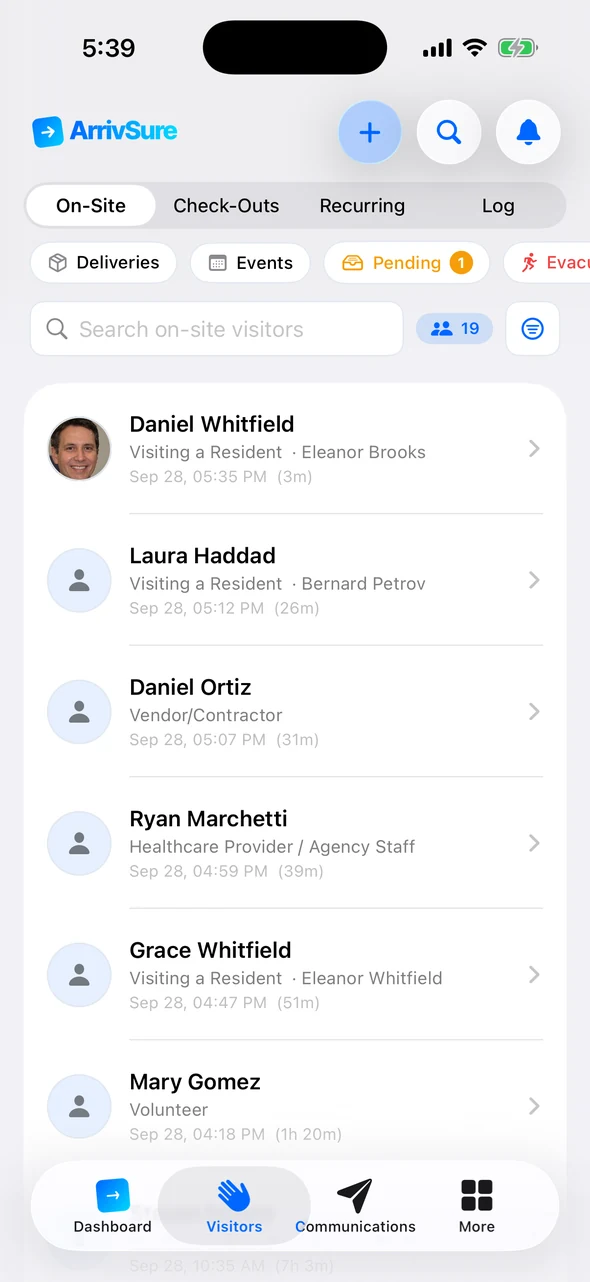
Know who’s in the building when it matters
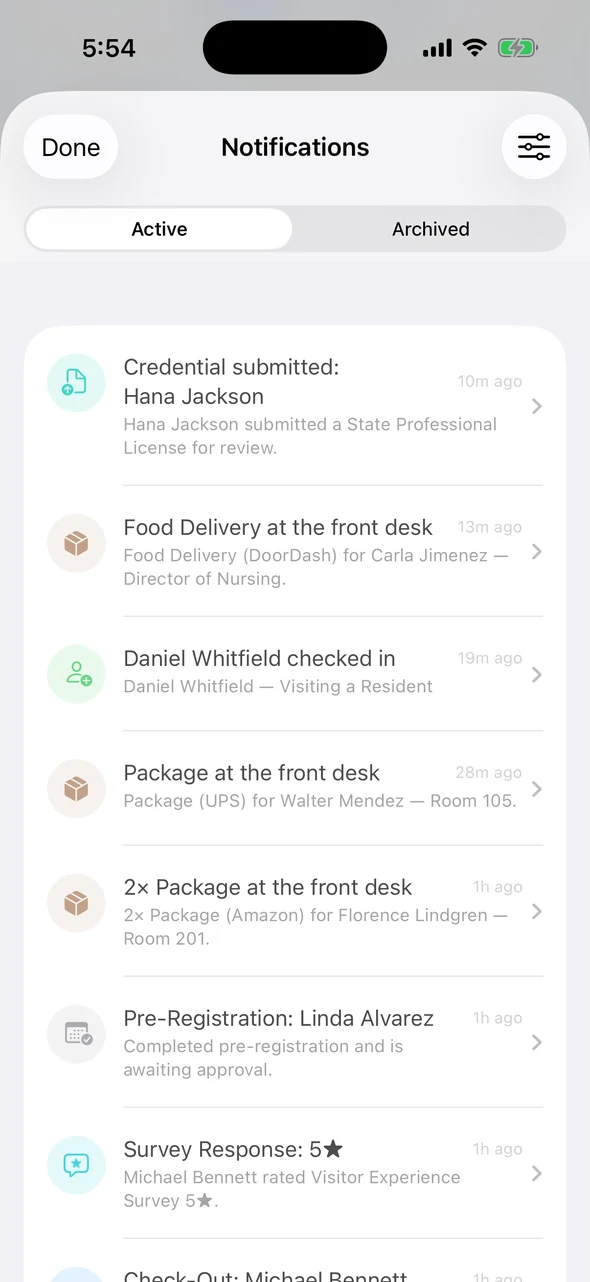
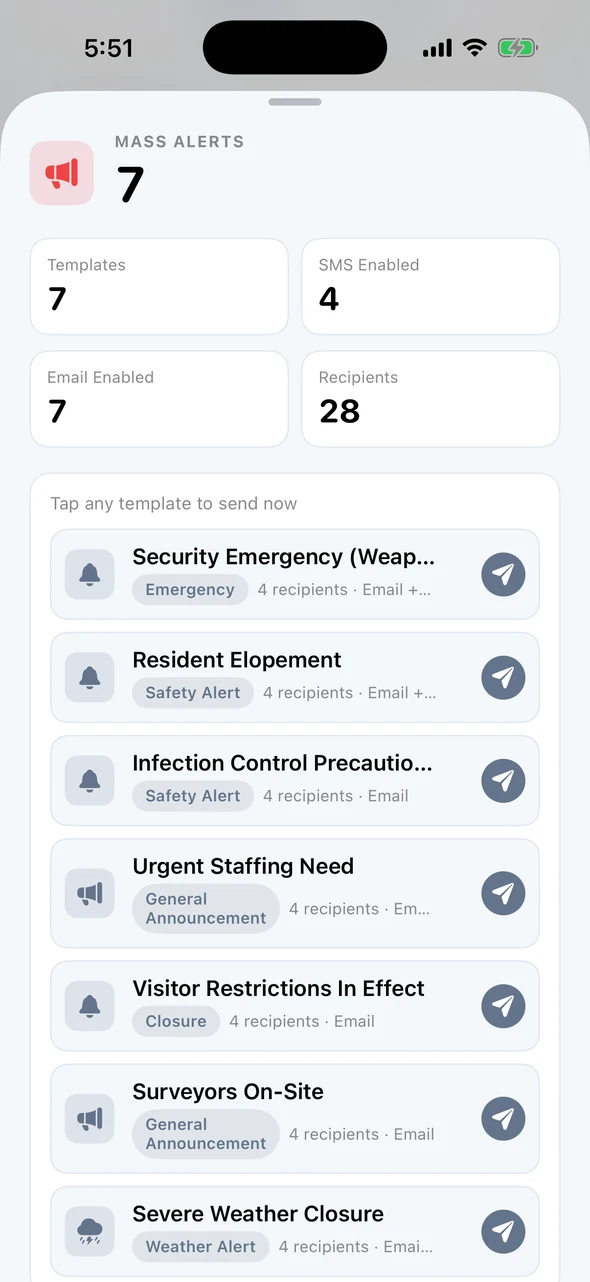
The on-site list is live, the evacuation roster prints to any printer, and staff alerts go out by email, text, or push. After a headcount, staff can check everyone out at once.
- An evacuation roster built from check-ins and checkouts
- Staff-group alerts from the dashboard or the Companion app
- Emergency contact fields captured at check-in
Built for sensitive visitor records
The details your security and privacy reviewers will ask about.
Encrypted records
Encrypted in transit. Visitor photos, driver’s-license images, credential documents, and staff messages are also encrypted at rest.
Access by role and building
Staff see only the buildings and visitor details their role allows.
Append-only activity log
Key actions are recorded, and each customer’s data is kept separate from every other customer’s.
Need a BAA?
Talk to us about your organization.
Staff and patient rosters
Rosters sync by secure SFTP file feed, matched by an ID you choose.
Visit history and exports
Search every visit and export the record after an incident.
Check-in figures: Avante at Inverness, 30 days. Location count as of September 2026. Review time reported by Avante.
Hospital and clinic visitor management FAQ
Can ArrivSure support both hospitals and outpatient clinics?
Yes. A hospital campus can run a different check-in at each entrance, and a clinic can use a simpler setup. Each location gets the setup it needs.
Can each entrance use a different check-in workflow?
Yes. Each kiosk can have its own visitor types, questions, documents, badges, destinations, and alerts, while your team sees activity across the whole facility.
Does ArrivSure unlock doors or grant physical access?
No. ArrivSure checks visitors in and alerts staff. Your team and your door hardware control entry.
Do you sign a BAA?
Talk to us about your organization and how you’ll use ArrivSure, and we’ll go through what a BAA would cover.
Does license capture or watch-list matching verify identity?
No. License capture and watch-list matches give staff information to review. They don’t confirm who someone is or deny entry on their own.
Can rosters sync from HR or clinical systems?
Yes. Staff or patient rosters can sync by secure SFTP file feed, matched by an ID you choose. We set up the file format and mapping with you.
What if a visitor never checks out?
The visit stays open on the dashboard until staff check the person out, so nobody drops off the list.
PUBLISHED PRICING
Your iPad or ours, for your visitor entrances.
Run ArrivSure on an iPad you already own, or let us supply and set up the iPad, stand, and badge printer. Managed Kiosk includes the full platform, remote device management, and hardware support.
Software Only: $249/location/month
Month to month on your own iPad · annual agreements available
Managed Kiosk: from $299/location/month
36-month agreement · one managed kiosk per location