Your first check‑in, without waiting on anyone
Create your account, add your building, pair an iPad, and check in your first visitor. Everything you need is in the product, and we're one email away if you want help.
- $249 per location, month to month
- Every feature included
- Help whenever you want it
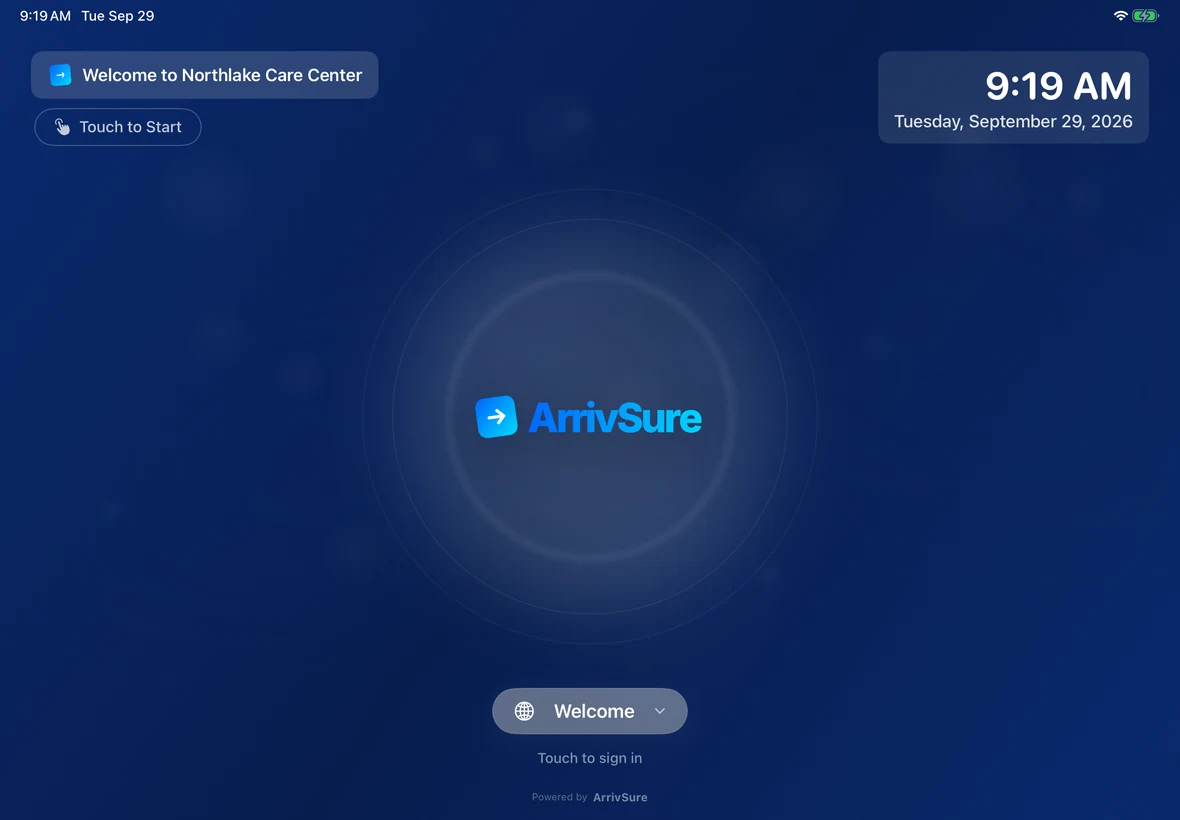
- An iPadRunning iPadOS 26 or later. See supported models.
- A standA lockable kiosk stand for the lobby. Our hardware guide lists options.
- A badge printerBrother QL-820NWB with 62mm labels, on the same Wi-Fi as the iPad.
- A card$249 per location per month, billed through Stripe.
Create your account
Enter your company name, your name, your work email, and how many locations you’re starting with. Pay securely through Stripe, set your password from the email we send, and you’re in.
- One license per location
- Add more locations anytime
- Month to month
Add your building and set up check-in
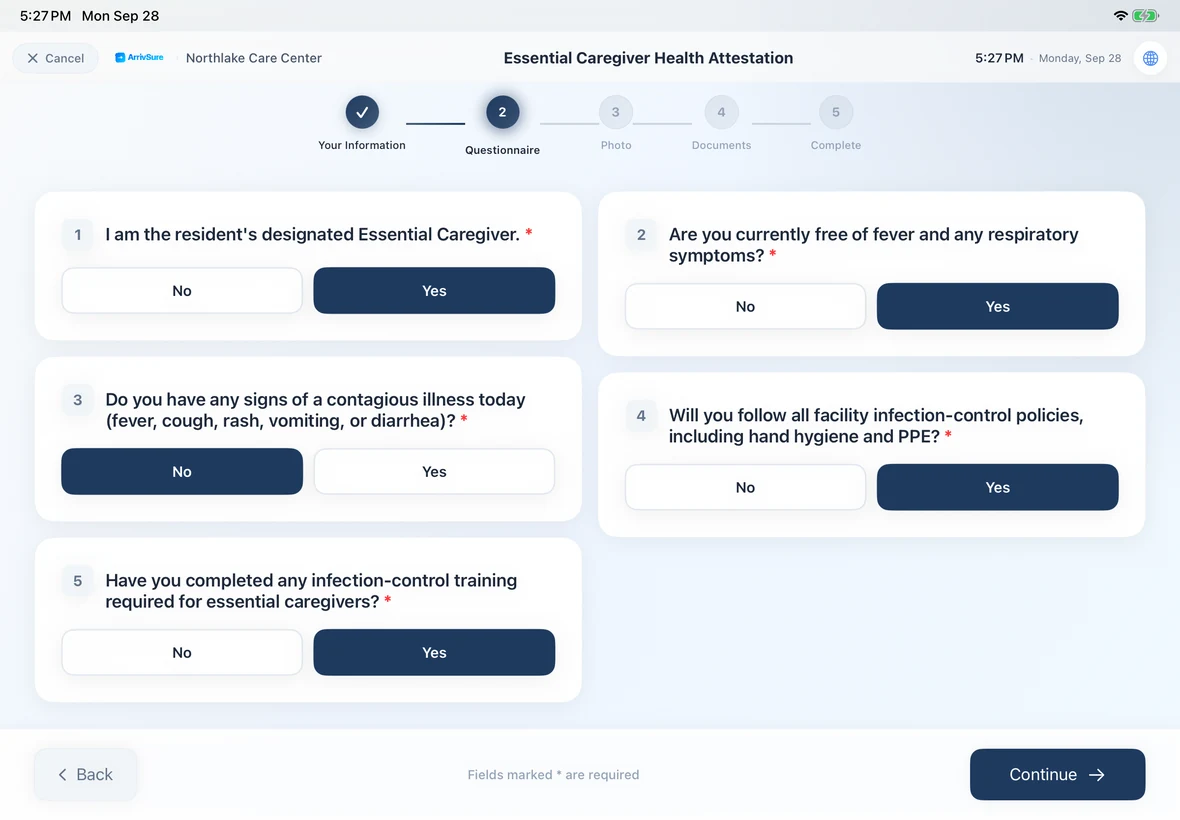
Create your first facility, then decide what each kind of visitor sees: visit purposes, screening questions, documents to sign, badge layout, languages, and your logo on the lobby screen. Set who gets alerted, and add the staff who can be visited.
- Visit purposes you name, like “Visiting a Resident” or “State Survey”
- Screening, documents, and badges by visit purpose
- Alert rules for the people who need to know
Pair the iPad with a one-time code
Download the ArrivSure Kiosk app. In the web app, open Devices and generate a registration code, then scan its QR code from the iPad’s Connect to Facility screen. Codes expire after an hour, so pair right after you create one.
- Scan the QR code, or type the 6-character code
- An admin PIN is set for the iPad automatically
- Landscape or portrait
Connect the badge printer
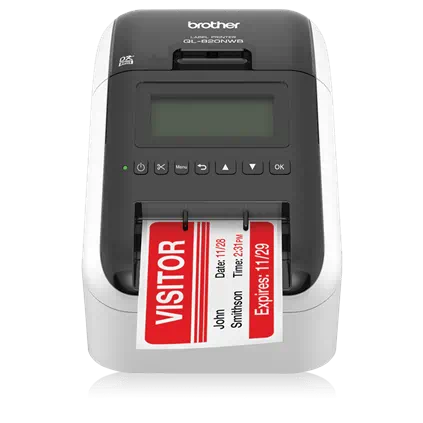
Put the Brother QL-820NWB on the same Wi-Fi as the iPad. On the iPad, open Printer Setup and tap Find Printers, or do it remotely from the web app or the Companion app. Print a test badge and you’re set.
- Finds the printer over Wi-Fi or Bluetooth
- Auto-prints a badge at every check-in
- Set it up from your desk or your phone
Invite your team and run a test visit
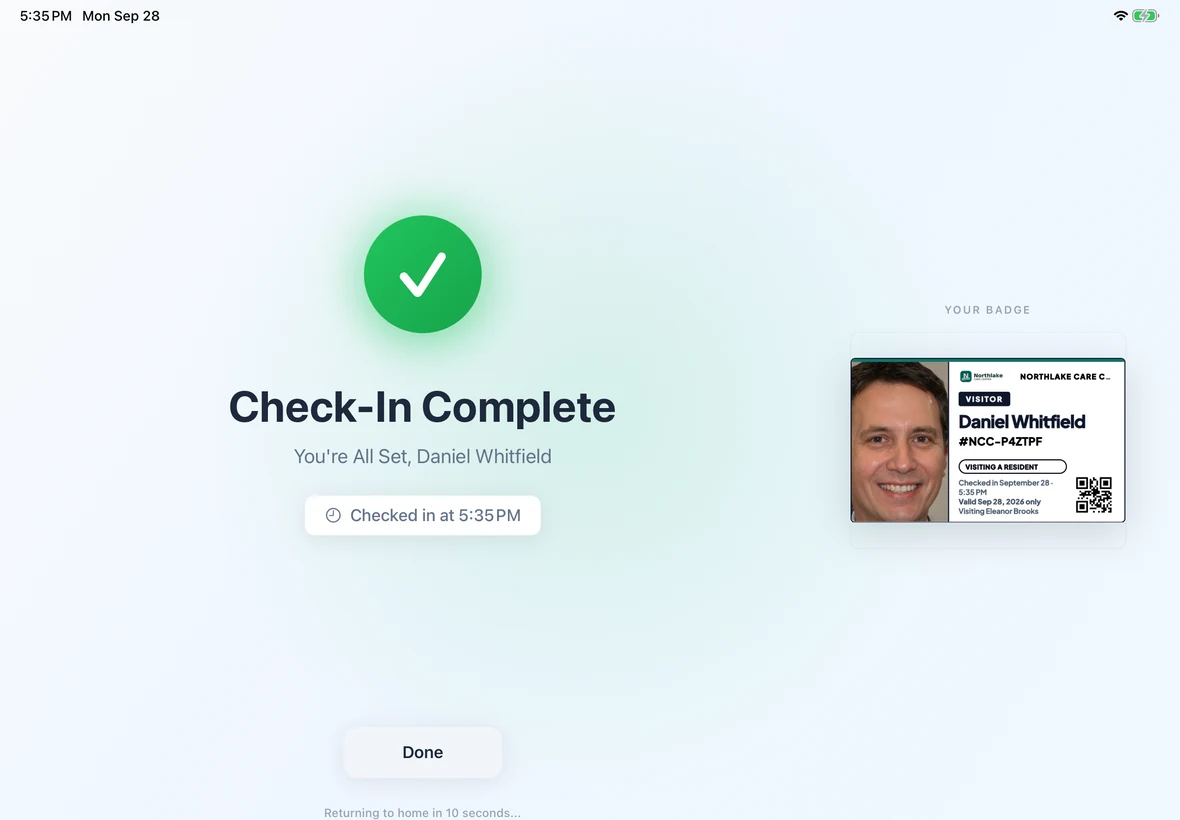
Add staff in the web app and they get an email to set a password. Front-desk and on-call staff install the Companion app and sign in with their work email. Then walk through the facility checklist and check in a test visitor.
- Roles decide what each person sees
- Companion alerts on their iPhones
- A 7-step checklist confirms you’re ready
Faster with your existing data
None of these are required to go live.
Import your staff
Upload a CSV of employees so visitors can pick who they’re here to see.
Import your residents
Bring in a resident roster from a CSV for census and departure tracking.
Start from templates
Screening questions, documents, and alert messages come with ready-made templates.
Turn on languages
Offer check-in in any of 12 languages, including Spanish and Haitian Creole.
Set roles and access
Decide who sees healthcare, compliance, and admin tools before you invite staff.
Learn as you go
The Learning Hub has short lessons for admins, front desk, and managers.
Before you start
Is there a free trial?
No. Software Only is $249 per location per month, month to month, so you can start with one building and stop when you want. If you'd like to see it first, request a 20-minute demo.
Do I need a demo before I sign up?
No. You can create your account and set everything up yourself. We're happy to walk you through it if you'd like help.
What if I get stuck?
Email support@arrivsure.com or call (844) 277-7873. The web app also has a Help Center and a Learning Hub with short lessons for each role.
Can you set up the hardware for us?
Yes. Choose a Managed Kiosk and we ship the iPad, stand, and Brother printer configured and ready to plug in.
How do I add more buildings later?
Add a license for each new location from Billing & Licenses, then create the facility. Settings can be copied from an existing building.