In this article
The families touring your community this fall track their packages in real time, watch their kids' school lunches get purchased, and get a notification when their dog walker arrives. Then they visit a parent in senior living and sign a clipboard.
Senior-living technology leaders report rising consumer expectations and growing interest in AI, but the industry is still early in deployment. Argentum’s 2025 survey found that residents, families, and employees expect providers to use advanced technology to solve specific problems; a 2025 LeadingAge/CAST survey found nearly 80% of organizations had very limited AI knowledge or expertise concentrated in select teams.
So what does "AI at the front desk" actually mean in 2026 — beyond the buzzword? Having shipped these features, here's our honest map of where AI genuinely helps, and where it's hype.
Where AI genuinely helps today
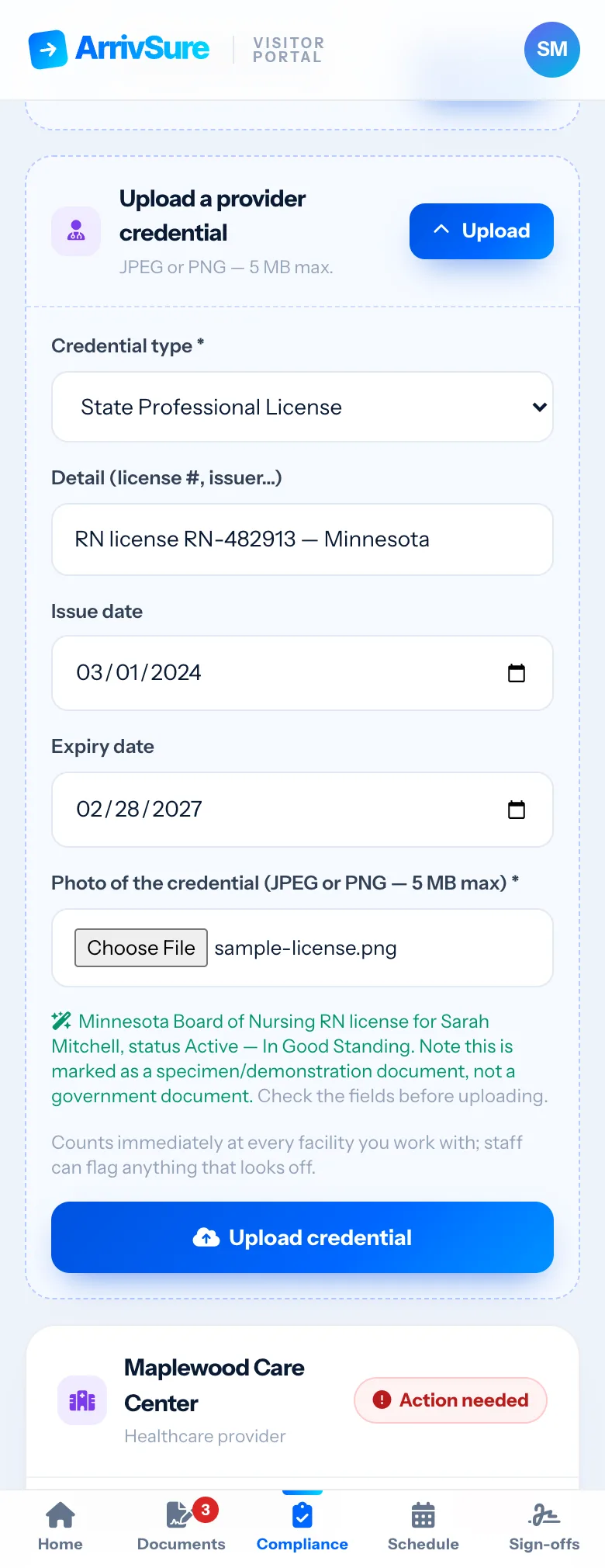
Reading documents so staff don't type. The single biggest onboarding friction is data entry. Computer vision now reads an uploaded professional credential or compliance document — a license, certification, or insurance certificate — and pre-fills the record for staff to confirm. A contract nurse's paperwork drops from minutes of typing to an upload and a confirmation tap.
Drafting communication under pressure. When staff need to notify hundreds of families about a weather closure or a policy change, a blank text box at a stressful moment produces bad messages. AI-drafted alerts give staff a clear, calm starting point they edit and approve — the human stays in charge, minus the blank page.
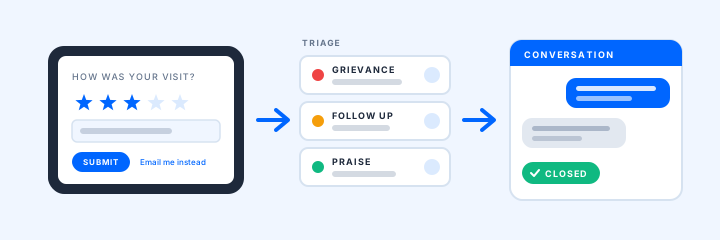
Synthesizing feedback nobody has time to read. Communities collect survey responses constantly and read them rarely. AI synthesis surfaces the patterns — and flags the urgent response that needs a callback today — instead of letting it age in a spreadsheet.
Briefing the people who run the building. Rolling up check-in trends, staffing coverage, and open issues into a plain-English morning briefing turns dashboard data into something an administrator actually reads before the stand-up meeting.
Where it's still hype
Honesty builds trust, so: be skeptical of AI that claims to predict which visitor will be a problem, replace front-desk staff outright, or make care decisions. The first is bias with a dashboard, the second underestimates what your receptionist actually does, and the third belongs to clinicians. AI at the front desk should remove typing, waiting, and blank pages — not judgment.
The family side: transparency as a feature
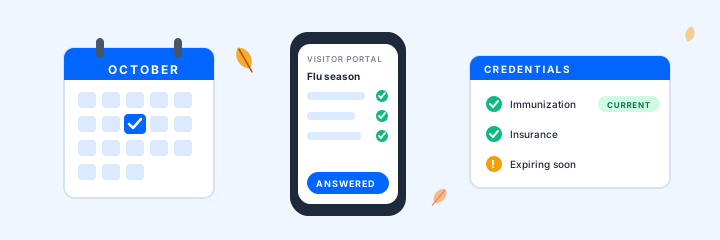
The same system that speeds up check-in can give families a better experience before they arrive. ArrivSure's Visitor Portal gives visitors a phone-friendly place to answer screening questions, sign documents, upload credentials, and RSVP to events, before they ever reach the lobby.
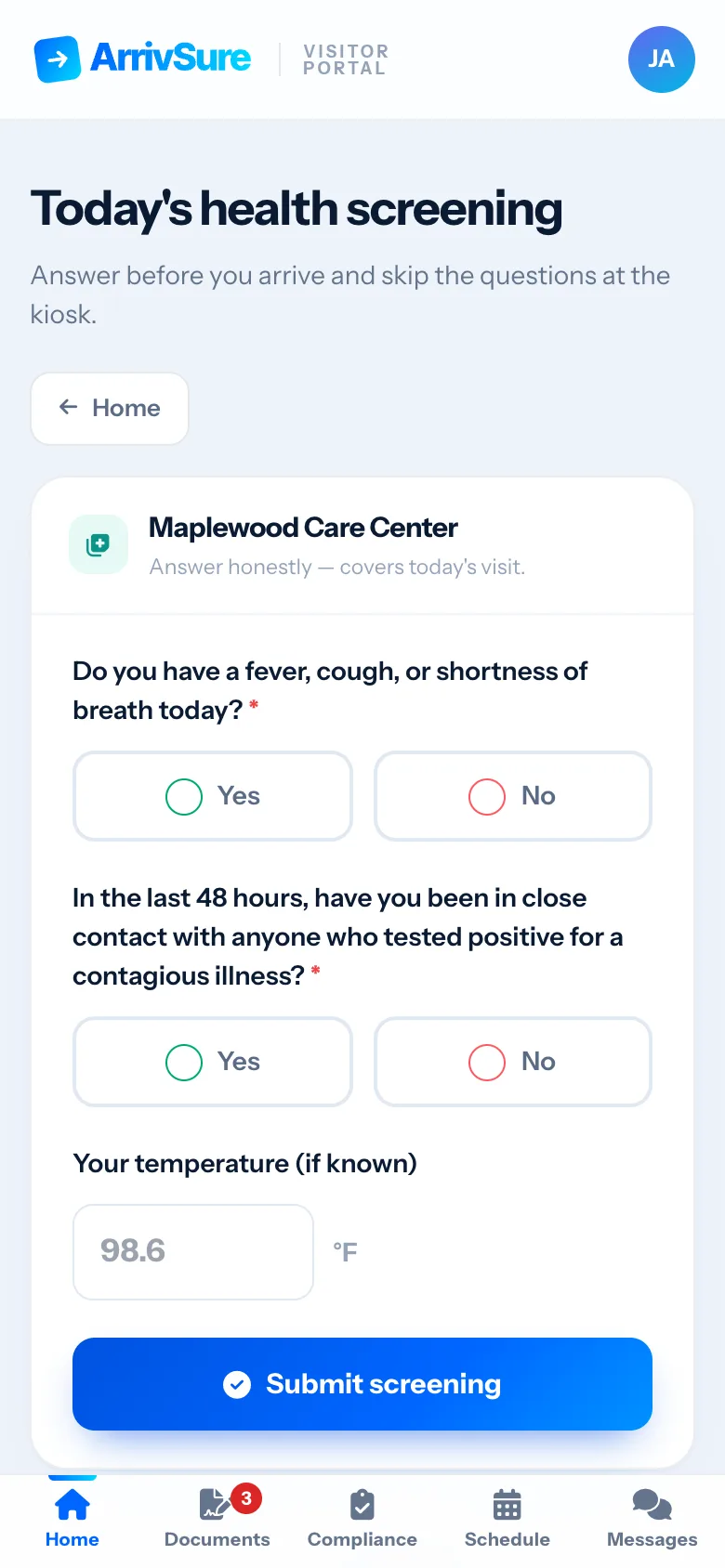
A native family app is coming soon; today, families use the Visitor Portal in any phone browser. When you evaluate vendors, judge what they can deploy now separately from their roadmap. On the staff side, the reception dashboard shows a live list of everyone checked in, so no arrival waits on a manual lookup.
Guardrails that make AI adoptable
If you evaluate AI-enabled systems this year, three guardrails separate serious vendors from demos:
- Data boundaries. When an AI vendor creates, receives, maintains, or transmits PHI for a HIPAA-covered entity, the parties generally need a business associate agreement and the applicable Privacy and Security Rule safeguards. Keep PHI out of tools that are not approved for that use.
- Cost controls. AI usage should have budgets and automatic cutoffs. "Surprise invoice" is not a feature.
- Human override everywhere. Every AI draft is editable, every AI flag is reviewable, every automated flow has a manual path.
These aren't nice-to-haves; they're what makes the technology deployable in a regulated building.
An adoption path from paper
A staged rollout works better than a single switch. Measure adoption, time, errors, and experience at each stage before expanding.
- Digitize arrivals Replace the clipboard with a check-in workflow staff trust.
- Add family-facing tools Introduce approved tools such as pre-visit questionnaires and documents.
- Layer on AI Apply AI to governed data, with defined staff-review steps.
The clipboard held on for decades because it was familiar. Today, operators have more options—and a responsibility to evaluate them against real workflow, privacy, accessibility, and staff needs.
Sources and current guidance
Last reviewed September 28, 2026.
- Argentum 2025 Technology Report
- LeadingAge/CAST technology leadership survey
- HHS guidance on business associates
- HHS guidance on cloud computing and ePHI
Check privacy and security requirements with your compliance advisor before putting sensitive information into any AI tool.
Curious what an AI-assisted front desk looks like in a real community? Request a demo—bring your hardest check-in scenario.
Request a 20-Minute Demo